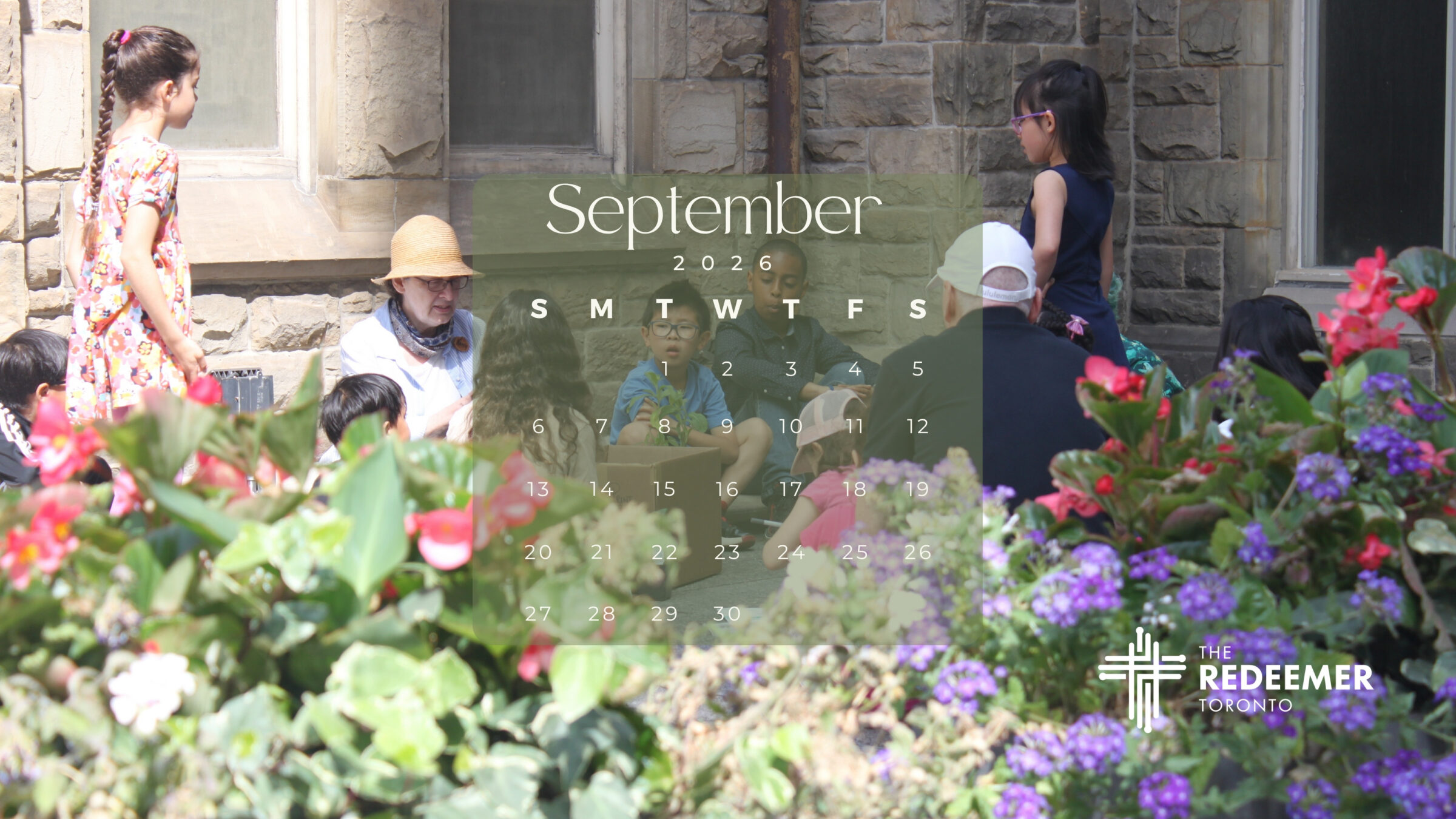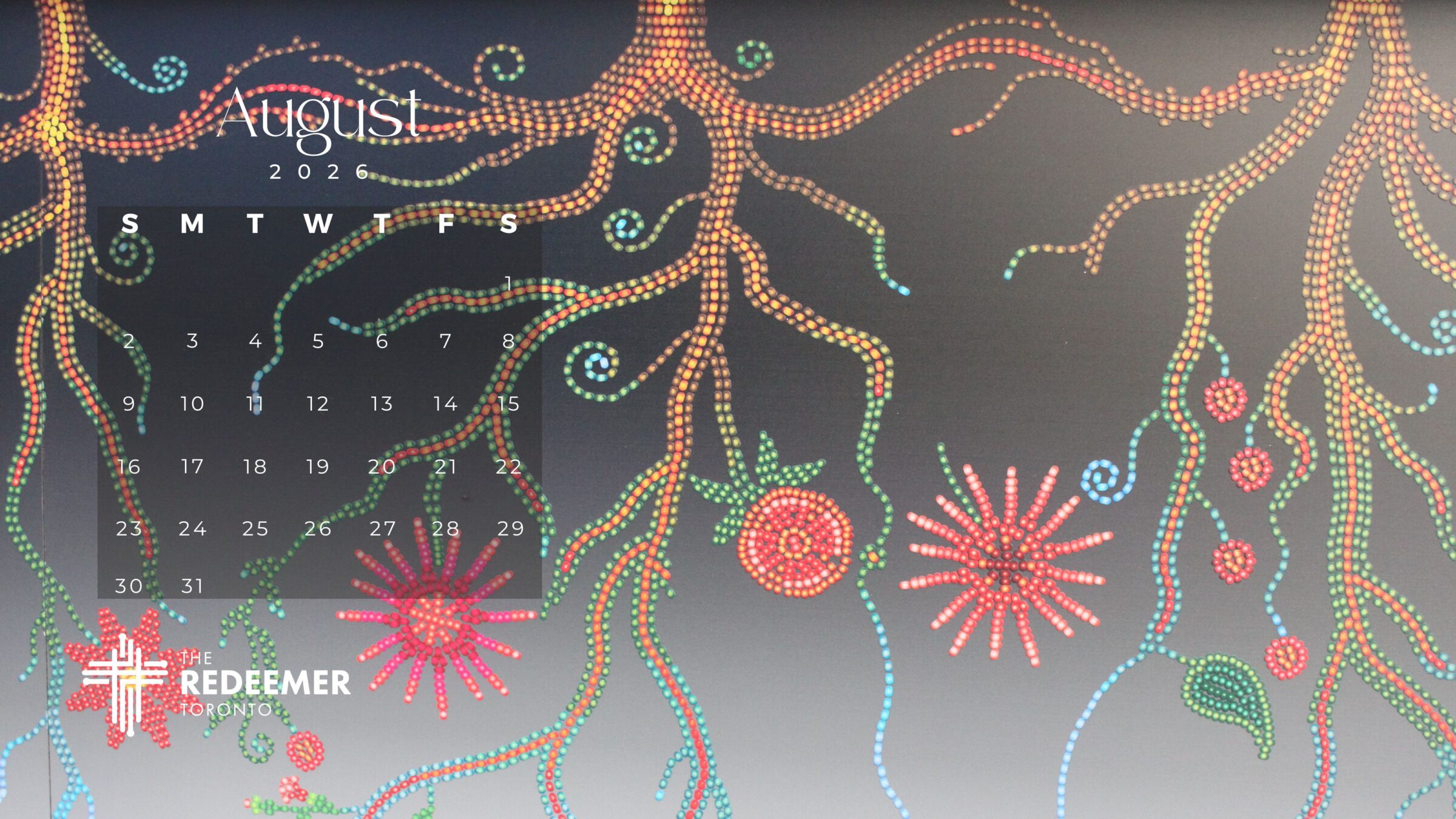


We’re back with the 2026 monthly digital calendars. To add the calendar to your computer as a lockscreen: Click on the button below, and when the image opens on your screen, right-click and “save as” to your files. From there, you can add it as a background or sleep mode screen on your laptop or desktop computer. (Alas, this won’t work on mobile devices.)